Arduino GPS Tracker with NEO-6M and MicroSD Logging
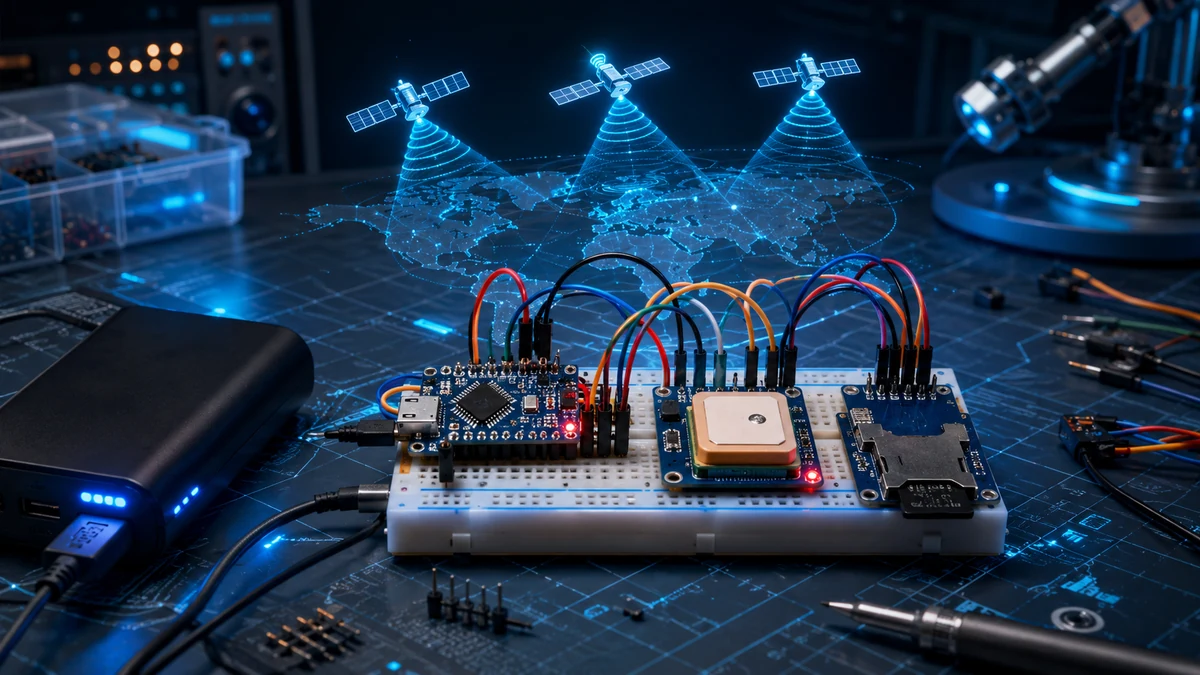
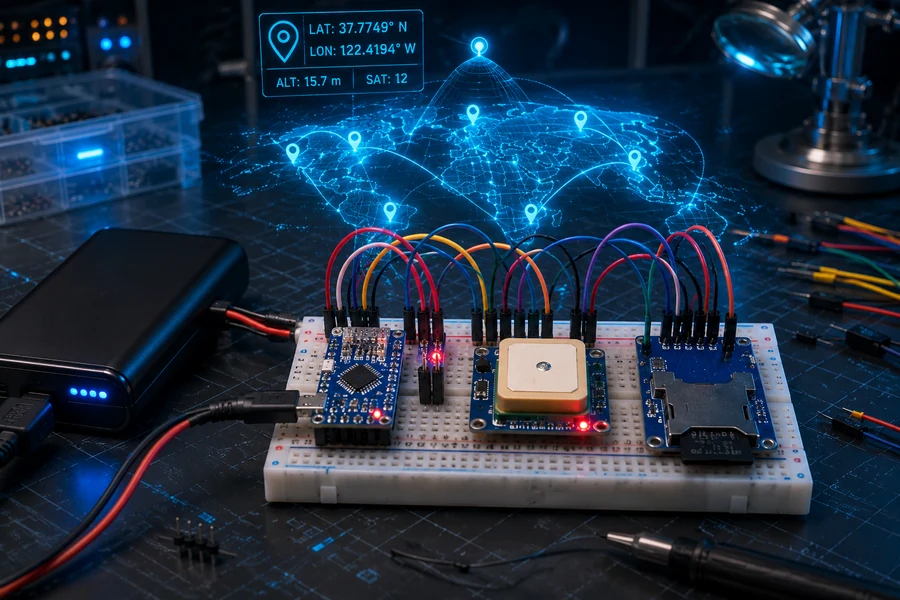
Learn how to build a portable Arduino GPS tracker that reads satellite data, logs latitude and longitude to a MicroSD card, and runs from battery power. You will wire the GPS module, read serial NMEA data, save a CSV log, and test the tracker outdoors where GPS actually works best.
🟢 Beginner–Intermediate⏱ About 60–90 minutes📡 NEO-6M + MicroSD🔋 Portable build
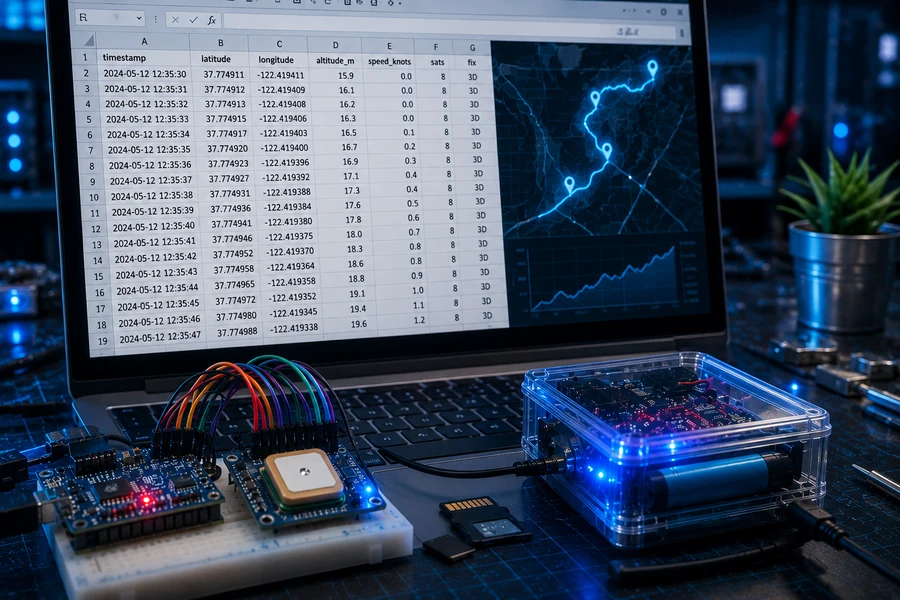
You are building a compact GPS data logger. When the tracker is powered on, the GPS module listens for satellite signals. The Arduino reads the GPS serial stream, extracts useful location data, and saves it as a CSV file on the MicroSD card.
After a walk, bike ride, field test, or vehicle trip, you can remove the card and open the log on your computer. The result is a simple but very real location tracking system.
Important: GPS modules need a clear view of the sky for a reliable position fix. Test outdoors. The MicroSD and GPS links are examples for finding parts; check voltage compatibility and current availability before buying.
How GPS Serial Data Works
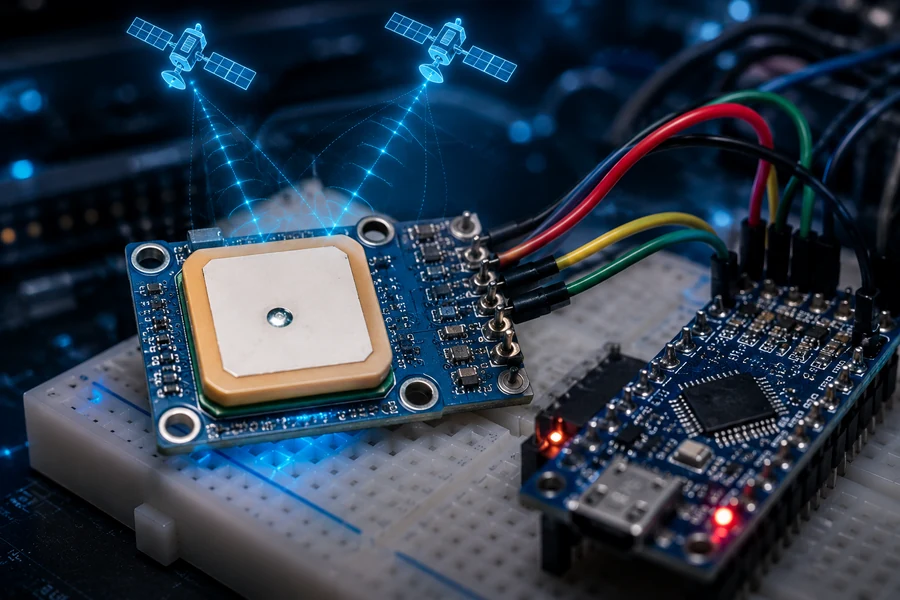
The GPS module sends a constant stream of text sentences called NMEA data. Those sentences contain time, satellite status, latitude, longitude, speed, altitude, and other values. Reading raw GPS sentences by hand is ugly, so the Arduino sketch uses TinyGPSPlus to parse the data into clean values you can use.
The basic flow is simple:
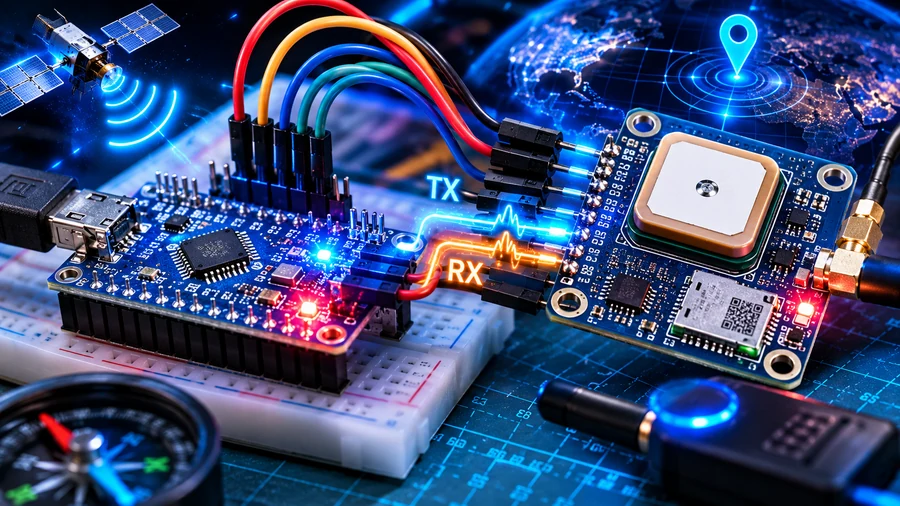
The GPS module sends serial data through its TX pin.
The Arduino receives that data on a software serial pin.
TinyGPSPlus checks the stream and extracts valid location updates.
The SD module writes each valid point to gpslog.csv.
Wiring the GPS Tracker
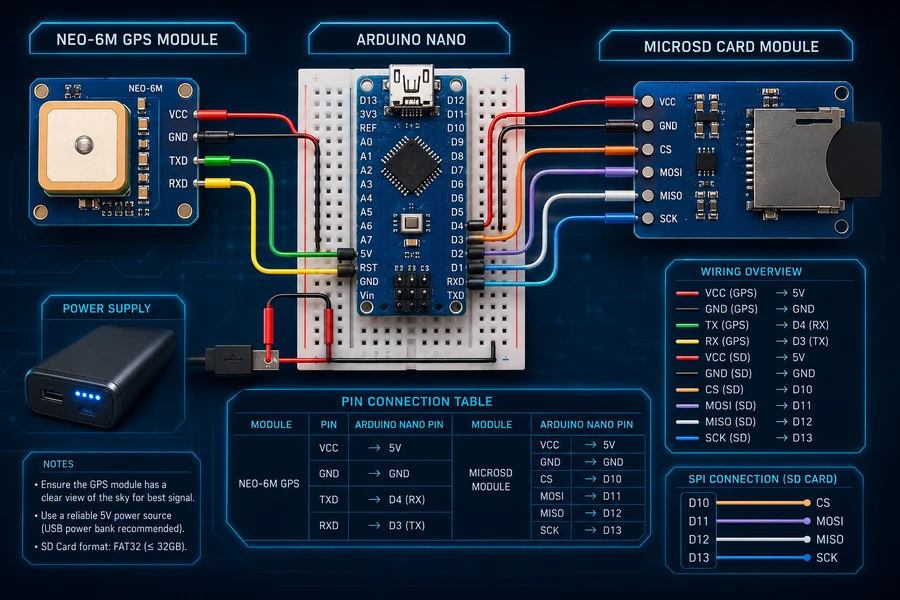
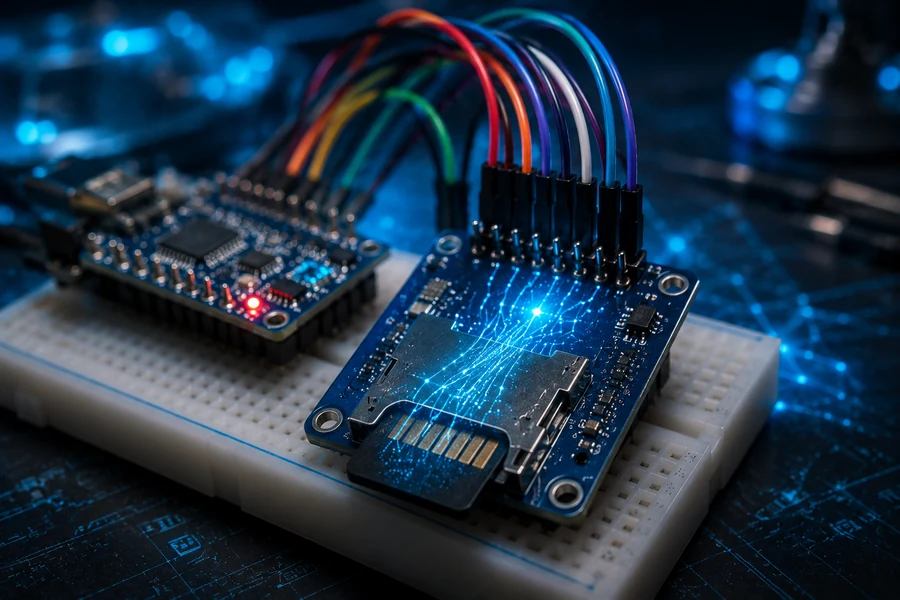
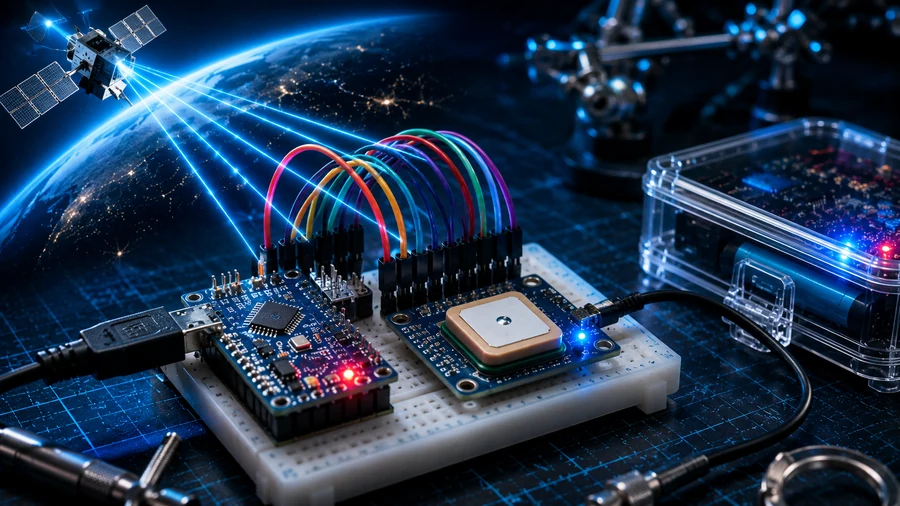
Wire the project carefully. The NEO-6M uses UART serial communication and the MicroSD card uses SPI. These pin assignments are for a classic 5V Arduino Nano or Uno. Check the voltage and logic-level requirements printed on your exact breakout modules before connecting power or signals.
GPS Module
Arduino Pin
VCC
Use the supply voltage specified for your exact GPS breakout (some include a regulator; others require 3.3V)
GND
GND
TX
D4
RX
D3 (optional; use level shifting if the GPS input is not 5V-tolerant)
MicroSD Module
Arduino Nano/Uno Pin
VCC
5V only if the MicroSD breakout has an onboard regulator and appropriate level shifting; otherwise use a compatible 3.3V supply and logic-level shifting
GND
GND
CS
D10
MOSI
D11
MISO
D12
SCK
D13
Watch the GPS Setup
Prefer to see the build before diving into the code? Open this guide in the WolfieWeb lightbox, then continue with the library setup and complete logger sketch below.
Install the Arduino Libraries
Open the Arduino IDE.
Go to Sketch - Include Library - Manage Libraries.
Search for TinyGPSPlus and install it.
The SD, SPI, and SoftwareSerial libraries are normally already included with the Arduino IDE.
Full Arduino GPS Logger Code
This version reads GPS coordinates, prints them to the Serial Monitor, and saves valid points to a CSV file on the MicroSD card.
#include <TinyGPS++.h>
#include <SoftwareSerial.h>
#include <SPI.h>
#include <SD.h>

TinyGPSPlus gps;
SoftwareSerial gpsSerial(4, 3); // GPS TX to D4, GPS RX to D3

const int chipSelect = 10;
File gpsFile;

void setup() {
  Serial.begin(9600);
  gpsSerial.begin(9600);

  Serial.println("Arduino GPS Tracker Starting...");

  if (!SD.begin(chipSelect)) {
    Serial.println("SD card failed. Check wiring and card format.");
    while (true) { delay(1000); } // Stop; do not try to log without SD
  }

  Serial.println("SD card ready.");

  // Write the CSV header only for a new or empty file.
  bool writeHeader = !SD.exists("gpslog.csv");
  if (!writeHeader) {
    gpsFile = SD.open("gpslog.csv", FILE_READ);
    if (gpsFile) { writeHeader = (gpsFile.size() == 0); gpsFile.close(); }
  }
  gpsFile = SD.open("gpslog.csv", FILE_WRITE);
  if (gpsFile) {
    if (writeHeader) gpsFile.println("Date,Time,Latitude,Longitude,Altitude_m,Speed_kmph,Satellites");
    gpsFile.close();
  } else {
    Serial.println("Cannot create or open gpslog.csv");
    while (true) { delay(1000); }
  }
}

void loop() {
  while (gpsSerial.available() > 0) {
    gps.encode(gpsSerial.read());

    if (gps.location.isUpdated() && gps.location.isValid()) {
      logGPSData();
    }
  }
}

void logGPSData() {
  double latitude = gps.location.lat();
  double longitude = gps.location.lng();
  double altitude = gps.altitude.meters();
  double speed = gps.speed.kmph();
  int satellites = gps.satellites.value();

  Serial.print("Latitude: ");
  Serial.println(latitude, 6);
  Serial.print("Longitude: ");
  Serial.println(longitude, 6);
  Serial.print("Satellites: ");
  Serial.println(satellites);
  Serial.println("----------------------");

  gpsFile = SD.open("gpslog.csv", FILE_WRITE);

  if (gpsFile) {
    if (gps.date.isValid()) {
      gpsFile.print(gps.date.month()); gpsFile.print("/");
      gpsFile.print(gps.date.day()); gpsFile.print("/");
      gpsFile.print(gps.date.year());
    } else {
      gpsFile.print("NO_DATE");
    }

    gpsFile.print(",");

    if (gps.time.isValid()) {
      gpsFile.print(gps.time.hour()); gpsFile.print(":");
      gpsFile.print(gps.time.minute()); gpsFile.print(":");
      gpsFile.print(gps.time.second());
    } else {
      gpsFile.print("NO_TIME");
    }

    gpsFile.print(",");
    gpsFile.print(latitude, 6);
    gpsFile.print(",");
    gpsFile.print(longitude, 6);
    gpsFile.print(",");
    gpsFile.print(altitude);
    gpsFile.print(",");
    gpsFile.print(speed);
    gpsFile.print(",");
    gpsFile.println(satellites);

    gpsFile.close();
  } else {
    Serial.println("Could not open gpslog.csv");
  }
}
Portable Power Setup
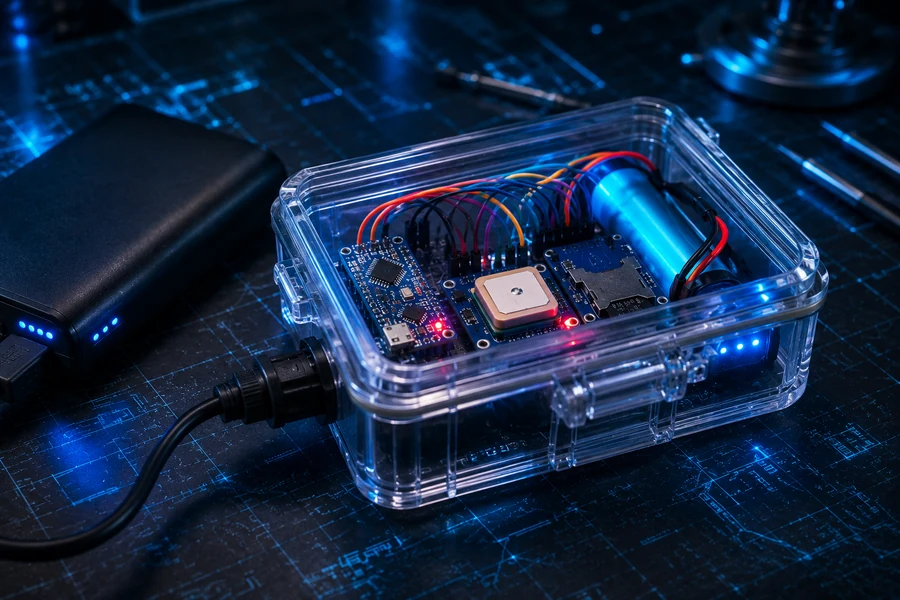
For the first build, use a USB power bank. It is safer, easy to recharge, and gives you stable 5V power. Once the project works, you can move to a smaller Li-ion battery module and a project enclosure.
Do not skip this: If you use a lithium battery, use a proper charging and protection board. Do not connect raw Li-ion cells directly to an Arduino project unless you know exactly what you are doing.
Outdoor Field Test
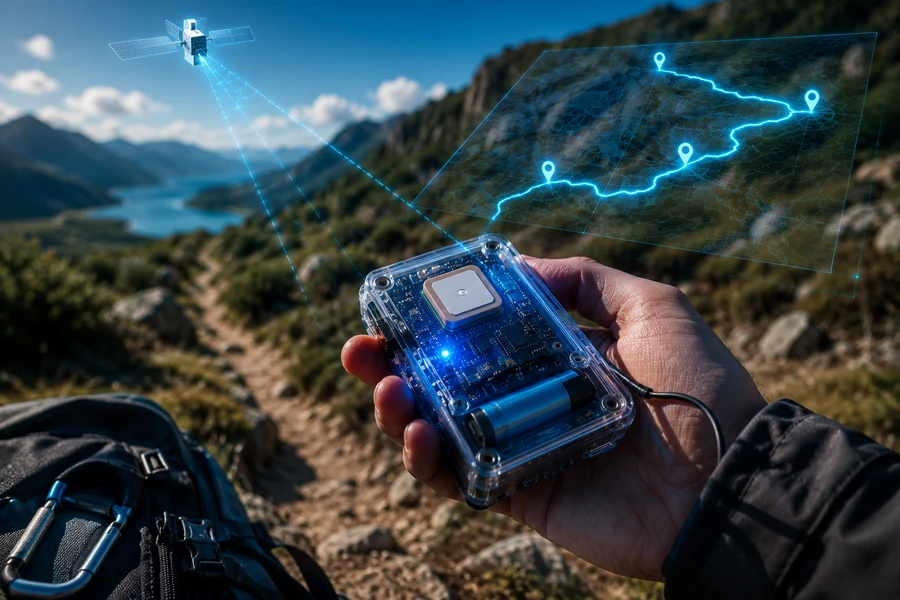
Take the tracker outside, power it on, and give the GPS module time to lock. A cold start can take several minutes. Once it has lock, move around slowly and watch the Serial Monitor. If the latitude and longitude values update, your tracker is working.
Power the tracker from the USB battery pack.
Wait for GPS lock outdoors.
Let it log for at least 5 to 10 minutes.
Remove the MicroSD card.
Open gpslog.csv on your computer.
Reading the CSV Log
Your CSV file will contain rows of location data. You can open it in a spreadsheet, clean it up, and use the latitude and longitude points with mapping tools.
Column
Meaning
Date
GPS date if available.
Time
GPS time in UTC.
Latitude
North/south coordinate.
Longitude
East/west coordinate.
Altitude_m
Estimated altitude in meters.
Speed_kmph
Estimated movement speed.
Satellites
Number of satellites used by the GPS module.
GPS Tracker FAQ
Can an Arduino Nano work with a NEO-6M GPS module?
Yes. This tutorial uses a classic Arduino Nano or Uno, with the GPS module connected over serial and a MicroSD breakout connected over SPI. Confirm that each breakout supports your board’s power and signal voltages.
Does this tracker transmit its location to a phone?
No. This build is an offline GPS data logger: it records coordinates to a MicroSD card. Live phone tracking would require additional connectivity, software and a suitable service.
Why does my GPS tracker show no coordinates indoors?
Satellite reception can be weak indoors. Take the module outside with a clear sky view and allow time for its first position fix.
Troubleshooting
Problem
Fix
No GPS coordinates
Go outdoors, wait longer, and check that GPS TX goes to Arduino D4.
SD card failed
Format the card as FAT32, check CS pin D10, and verify SPI wiring.
Random characters in Serial Monitor
Set the Serial Monitor to 9600 baud.
Only zeros or invalid data
The GPS has not locked yet. Wait outside with a clear sky view.
Tracker resets on battery
Use a better USB power bank or check your battery module current output.
Arduino GPS Video Guides
These lightbox videos support the build: NEO-6M GPS setup, Arduino GPS data logging to MicroSD, and a complete Arduino GPS tracker walkthrough.
Download the Full GPS Tracker PDF Guide
Save the complete Arduino GPS Tracker tutorial offline with wiring, code,
GPS logging setup, portable power notes, and troubleshooting steps.